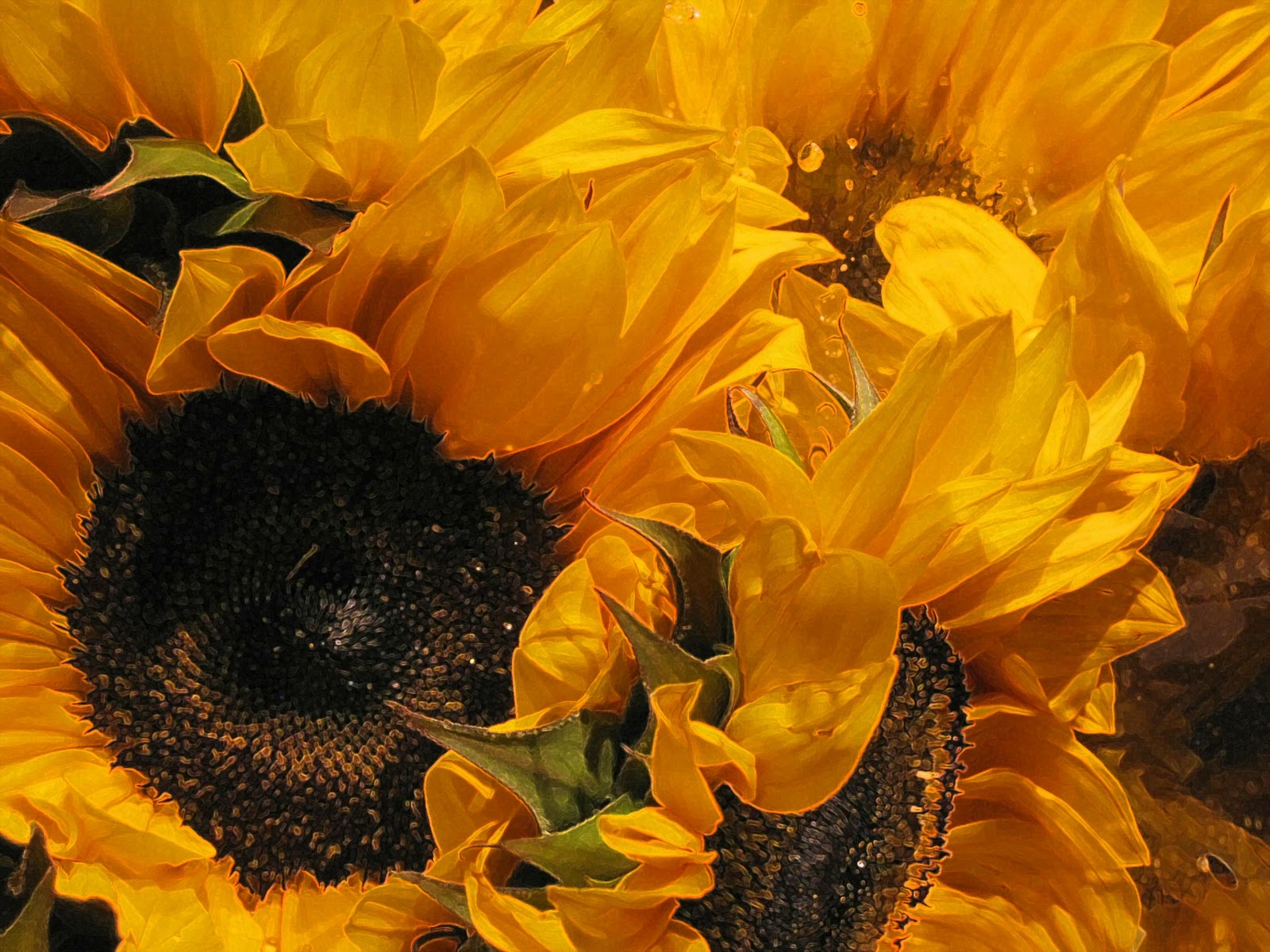
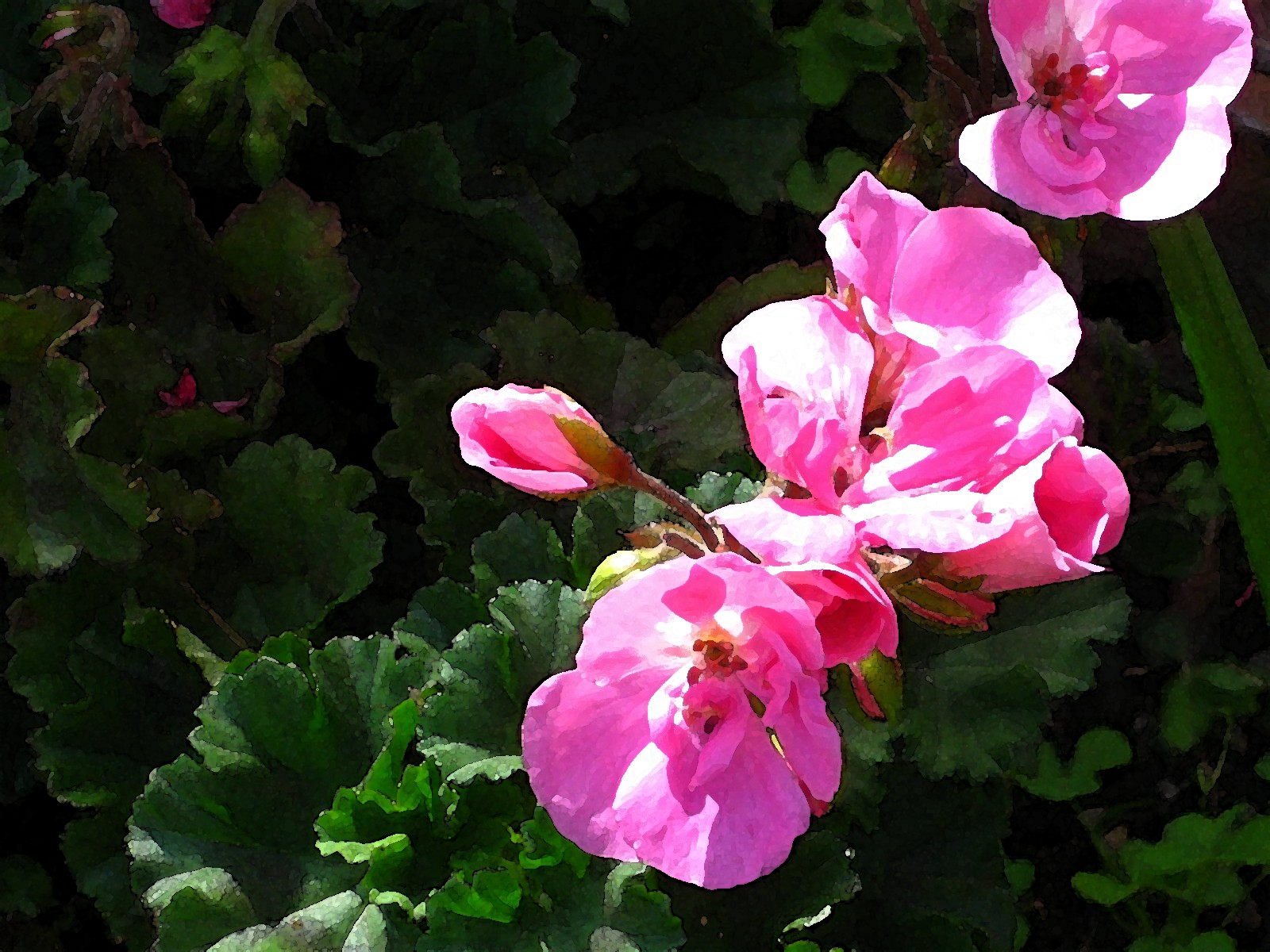
Showing posts with label effect filters. Show all posts

Friday, September 6, 2013

Du Jour 5 ... continued ...

Because this painting exercise is all in the spirit of exploration and trying to push my own bad habits, I took the photograph of yesterday's painting exercise and applied a couple of effect filters to see what the same painting would look like if I had used a different technique or approach.

These two were fun and I like the relative loose quality. I would have had difficulty achieving these effects with the medium I was using, but fun to see possibilities for exploration.


Saturday, December 31, 2011

Saturday, December 31 ... Happy Birthday, Karen!

Besides it being Karen Smith's birthday--does that woman never age? I mean, really--it is also the final day of Project 365. Each day this past year I've thought about what to photograph to upload for my challenge of a photo du jour.

It seems fitting that I would have photographs of clocks ... time pieces ...  mechanisms to measure the passage of time ... as the sand runs out of 2011.

By next blog entry, I'll devise a new challenge or project, but for tonight I leave you with the tick-tock of these beautiful vintage keepers of time.


Timely Pair
(unedited with effect filter)


Tick Tock Tickitty Tock
(Photo edited with Fresco effect filter)


Wednesday, November 9, 2011

Time is a subjective measurement, right?

Okay, so I'm a tad late to have this qualify as yesterday's blog entry. But I've uploaded a new photograph to my Etsy store http://www.kweststudio8.etsy.com/ and I wanted to share it with you folks, too.

Actually, I also edited one of the Greek Orthodox Church photographs I included in day before yesterday's upload and I wanted to show how it transformed, too.

My head cold still rages, so I'm not out and about much of late, so am left to my own devices and gadgets indoors. Anyway, the malady, too, will pass and I'll soon be back out of doors.

Here are today's (yesterday's)


I edited this image of the Greek Orthodox Church
 with a Cutout effect


On this image, too,
I used an effect filter: Crisscross


Monday, November 7, 2011

A Seasonal Shift ...

The days, and nights, here in Spokane are frosty. It's a seasonal shift from sweaters and sweat jackets and sandals, to gloves, hat, heavier overcoat, boots. I'm NOT ready for this transition to winter in northeastern Washington! 

I have a friend languishing on the beach this week in Hawaii, soaking up sunshine. I can almost feel the warmth of the tropical breezes, the sand almost too hot to walk on, the sound of the wind in the palm fronds, the splashy colored tropical blossoms, with their incredible fragrance. C'est la vie.

But there are still some flowers in Spokane not totally frozen, and some foliage that warrants attention. The two images tonight were taken with an iPhone, but I've applied effect filters to them. They'll do for Day 311 of Project 365. Wow! Only 54 days left to this project. I think I've included well over the amount, I'll have to double check.

But here are today's photographs:


Marigolds out at the garden shop
at the community college
Dry Brush effect


Ginkgo Leaves on a pebble walkway
Ink Outline effect


Saturday, October 15, 2011

Textures ... before and after

The other day while browsing through one of those shops that carry all manner of wonderful and exotic imports, I took a couple of iPhotos of some fabrics. The bright colors delighted my eye, and when I uploaded them to my computer I wondered "what if ..." So much fun!

Here are the two "what ifs" and their original iPhotos:


Pastel Soft Dark Effect

Original iPhoto


Pastel Soft Dark Effect
 
Original iPhoto


Friday, October 7, 2011

The World Through Filters ...

Today I thought about how we see things. I've been playing a lot with effect filters and it is amazing to me how I am affected differently by the same image filtered, resulting in different effects.

It got me to mulling over how differently I see things if I'm sad or depressed, or if I'm ebullient and on top of the world. The same darn thing looks one way if I'm stressed about something my children are going through, and totally different when their issues have been optimistically resolved. Our emotions color what we see, don't they.

How many times are we told things like, "Just go out and take a walk around the block. Things will look better if you simply get out of the house and breathe in some fresh air." (It works, by the way.)

There are painters who create photorealism with their brushes and paint, but the reality of photography is changing, evolving ... anything goes! It is what it is, until it's something else.

Perhaps this is one reason I have such a blast experimenting with these various filters.

Today's photographs were shot back at Hansen's Orchard, and, yes, I have altered my images. This is the reality of how I see them at the moment.

This crate of apples was edited
with a Paint Fresco effect

Oh my! I love zinnias. They're such an
old-fashioned flower that touch me for some
unfathomable reason.
These have been edited with a Poster Edges effect.


Thursday, October 6, 2011

I'm Obsessed ...

Still playing with filters. Here I've used
the Accented Edges effect

I found I was out of New York bagels and cream cheese, so off to the market I scurried. What was I to find? SUNFLOWERS! Why did I photograph them? Because they were THERE!

However, I also photographed the pumpkins, the squash, a pomegranate and some chili peppers. I'll share the others with you another day. I am going to share the squash because I love how the Poster Edges effect really picked up the variety of colors in the squash; too cool!

Happy day! Happy day! I have bagels for breakfast in the morning and I snapped a shot or two for Project 365. This is Day 278, by the by.


Squash Trio
Poster Edge effect


Monday, September 19, 2011

Printmaking ... Photography ... CREATIVITY

Earlier in my creative life, I really got into linoleum and wood block printmaking, especially the linocut, where the edges were so sharply defined. I particularly enjoyed reduction printmaking.

If you're not familiar with this technique, the printmaker cuts a preliminary image on a lino block, print it; cut more away from the lino block, ink, register the block with the original printing, and print the second image in a different color directly on top of the original print; cut more away from the lino block, ink and print the third image on, and so forth until the artist has the finished effect he or she wants in multiple colors. This is a very simplified description, but I hope you get the gist of the printmaking technique.

I moved on from printmaking to photography, and love it for all of its different, but in some cases parallel features and benefits.

But, when I came across the Cutout effect filter, I found it to be a technological marriage of two creative techniques I enjoy.  Here are some of the photographs I've taken, to which I've applied the Cutout effect. It doesn't always work out well, but these seem to translate well with the effect.

September 19, 2011


This was a white feather on a charred background,
which I applied a Negative effect, and then
applied the Cutout effect


This was a Cutout effect
applied to the original digital photograph


This, too is the Cutout effect
applied to the original digital photograph


Thursday, September 8, 2011

Blinded Orchids

Mel was gifted a lovely orchid back in May, I think, and it is now in its second blooming. It's on the kitchen table and I delight in looking at it as I sit and savor a mug of hot, black coffee or enjoy a meal.

I shot this photograph in the afternoon, with the blinds mostly closed. I enjoyed the straight lines of the blinds contrasting with the sensuous curves of the orchids.

And ... because I'm having a helluva good time working with different effect filters, I applied a watercolor effect on this photograph.

Happy Thursday!

Day 251


Blinded Orchids
iPhoto w/Watercolor effect


Monday, September 5, 2011

Aloha!

No, I'm not in Hawaii, not headed to Hawaii, didn't think about Hawaii until just this moment. But, today's photograph is of pineapples I came across in the produce section of the grocery store, about as far away from Hawaii as one can be. Well, I suppose Spokane IS a lot closer to Hawaii than a good many other locations I could mention, or you could think about. But, enough with Hawaii already!

Pineapple, yes, that's the subject matter du jour! I found a whole slew of new effect filters, and I finally just had to chose one, and here it is.

But first, I have to share a little bit of humor--very little humor--about an e-mail notification I received today. It was from Etsy notifying me I had sold a photograph! Hip Hip Hallelujah, right? Wrong. Almost immediately I received an email from the Etsy buyer, begging my forgiveness. She thought she was buying some vintage bottles, NOT a photograph of vintage bottles. She asked me to cancel the purchase and refund her money. It would have been sad, if it weren't so gosh darn funny.  Well, it was sort of funny. So, I assured her I would do as she bid, although it is a very nice photograph.


But, such is the nature of sales.

Oh, PINEAPPLES!!!!!

Pineapples
iPhoto/Poster Edges Effect

Wednesday, August 31, 2011

Let me give you an outline ...

I seem to be off on a mannequin tangent of late. Today's photograph is of a head and a hat, but I liked the pattern cast on the mannequin's face by the sun through the weave of the hat. Then I threw on an outline effect filter. I rather like it.

So, I also applied the outline effect filter to a photograph of some shoes I shot in a thrift shop. I love how it makes the leopard pattern pop, and the infusion of blue.

I also had four of my Etsy photographs featured in Etsy Treasuries, which I've listed below, if you're of a mind to click on the links and check them out for yourself.

August 31, 2011 (oh my gosh! The LAST day of August!)


Music to My Ears (in commemoration of Itzhak Perlman’s birthday)
Curator: Lee Davis at http://www.catatmyfeet.etsy.com/
Photo:“Violin Repair Shoppe”

White on White
Photo: “White on White”

Affordable Beachfront Property
Photo: “One Eyed Seagull”

Autumn Delights
Photo: “Blue Birds Yellow Leaves”

Wednesday, August 3, 2011

Simplicity is in the eye ...

... or I've something in my eye, if it isn't simplicity! I took a simple photograph of daisies today. OK, well, there was also a watering can right next to the daisies. I was intrigued by the circles in the centers of the flowers, and then the holes in the watering can seemed connected somehow. It was just a fun exercise, between making and photographing jewelry and my back was killing me. I simply had to get out of "the dungeon" and stretch. Beautiful day out; sunshine daisies kind of day, it was.

Being one to not let well enough alone, I got me to the effect filters, again with the glowing edges effect! It reminded me of days as a youngster when you scribbled on a paper with lots of different color crayolas, and then you covered it all with black tempera paint or black crayon and then you etched through the black, revealing the marvelous colors underneath. Wow!

My editing tools are very rudimentary. I know there's a big wide world of effects out there that I could be playing with, but I'm content for the time being with what I have.

Today's photograph ... Daisies with Watering Can ... or maybe, Watering Can with Daisies. You decide.

August 3, 2011


(Glowing Edges effect)


Unedited Photograph

Oh, and two of my photographs were included in Etsy treasuries:

"Yellow in Distress" ... really cool featured items, including my photo of a deteriorating yellow road construction plow on which someone had painted a smiley face. Gauche of me to not remember the name of the Curator who assembled the treasury. Check it out and the Curator will be listed. They put together a whizbang treasury.


"A Clean Slate" featuring my photograph White on White

Monday, August 1, 2011

A-Choo! Bless you. Have a cold? No, why do you ask?

Just a little bit of title banter. I'm always at a loss when writing "titles" for these blog entries. I guess I should have chosen a blog format that doesn't incorporate them in the template. Hmmm

Today I was buried in the basement doing my jewelry thing, but I did come up for air a couple of times to let the mutt out and just to stretch and acknowledge the outside world.

I just happened to have my trusty--well, becoming less and less trusty--camera with me, so of course, I used it while it still works. Lordy! Lordy! Please keep on working, li'l buddy! Mama can't buy another one right now! (more banter)

OK ... main event: I took a picture of the echinacea blooming out in my sister's garden, and when I got back to my computer, I started editing with filters. Love them filters!!!

So, here is the unedited shot and two filtered alternatives.

August 1, 2011

Echinacea (unedited)


Echinacea (film grain filter)


Echinacea (outline filter)
Unanticipated colors showed up in this one. Love it!
Reminds me of an etching or reduction print. Cool!


Friday, July 29, 2011

Day 209 of 365

The days they are a-movin' right along, no? Yes, I would say they most definitely are, but the moving aspect I hope is done for awhile. The days can keep moving, but I want to stay put for the time being.

I'm having fun shooting blossoms out in my sister's garden. I even enjoyed photographing my sister's teacup and saucer with the rose embellishment. I'm not a bone china kinda gal, but this was part of a collection our Mom kept, and she was a bone china kinda gal.

The one photograph of the tea cup and saucer with the napkin and the orange slices was fun. I liked the dynamic diagonal of the edge of the table, and how the slices repeated the pattern of the shadow cast by the spokes of the chair.

The other china cup and saucer photo was edited with a glow filter. And the pink geraniums has a watercolor filter. Oh, and the purple climber--can't remember the name of the plant--was edited with a film grain filter.


(Watercolor filter)


(Film Grain filter)


I edited with a glowing filter/can't remember the technical name.
 I'm sooooo professional; not!


Sunday, February 27, 2011

365 ... four versions

The rain let up long enough for me to take this photograph, before it started falling again. I was happy it melted all the snow. I took this quick shot of the beach across the street from the office.

I love to play around with editing and have a very rudimentary photo editing program I often fall back on using because I don't take the time to learn how to easily work with my Photo Elements software.

In any case. I was curious how different effect filters would alter the appearance of my photograph; interesting results. Two of the filters, Dry Brush and Watercolor, give the photograph a distinctly painterly interpretation.

I want to emphasize that I do not demean or lessen the skill involved in an artist doing an actual dry brush or watercolor painting. It is no easy talent to master. However, I enjoy seeing how my own photograph changes with the application of these effect filters.

02-27-2011


Sand and Cobble (Watercolor effect filter)


Sand and Cobble (unedited photograph)


Sand and Cobble (Film Grain effect filter)


Sand and Cobble (Dry Brush effect filter)